
Guides
How to Choose Automatic or Manual Sync
Choose when aListEngine uploads your mobile work, control automatic cellular uploads, and check pending sync.
1 min read Read article →
Practical guides guides and field notes for auctioneers, estate-sale teams, consignment shops, and high-volume resellers.
11 articles
Guides
Choose when aListEngine uploads your mobile work, control automatic cellular uploads, and check pending sync.
Guides
Save additional copies of aListEngine photos and audio, choose an Android backup folder, and understand how backup differs from sync.
Guides
Review photo order and lot boundaries in aListEngine before creating draft listings from an import.
Guides
Learn how mobile photos sync to aListEngine, where to find them in web Imports, and how an uploaded batch becomes draft listings.

Guides
Check that your photos are saved on your phone, understand upload status, and confirm they reached your aListEngine account.
Guides
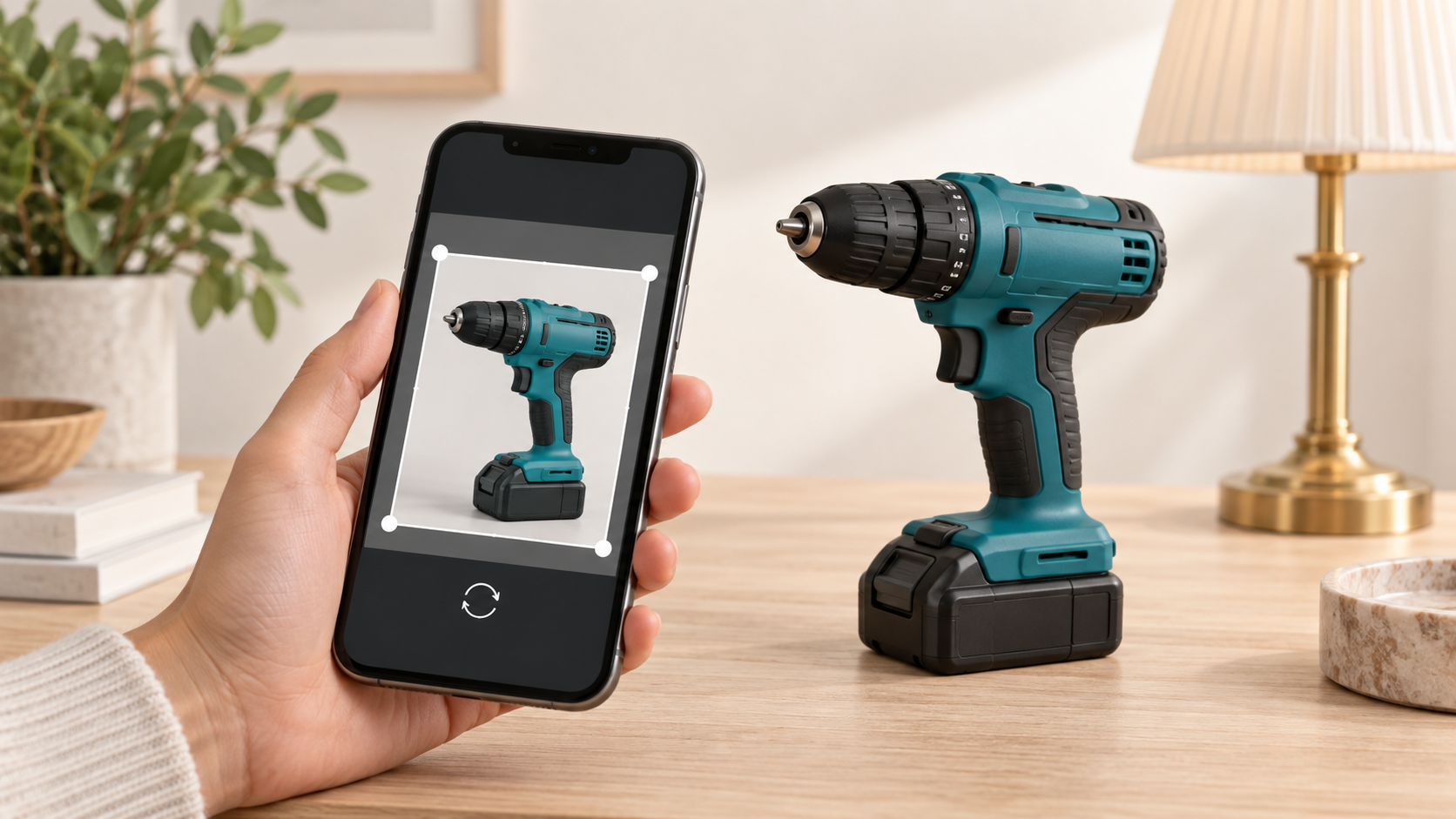
Crop, rotate, and flip a photo in aListEngine, save your changes, and check that the edited image has synced.
Guides
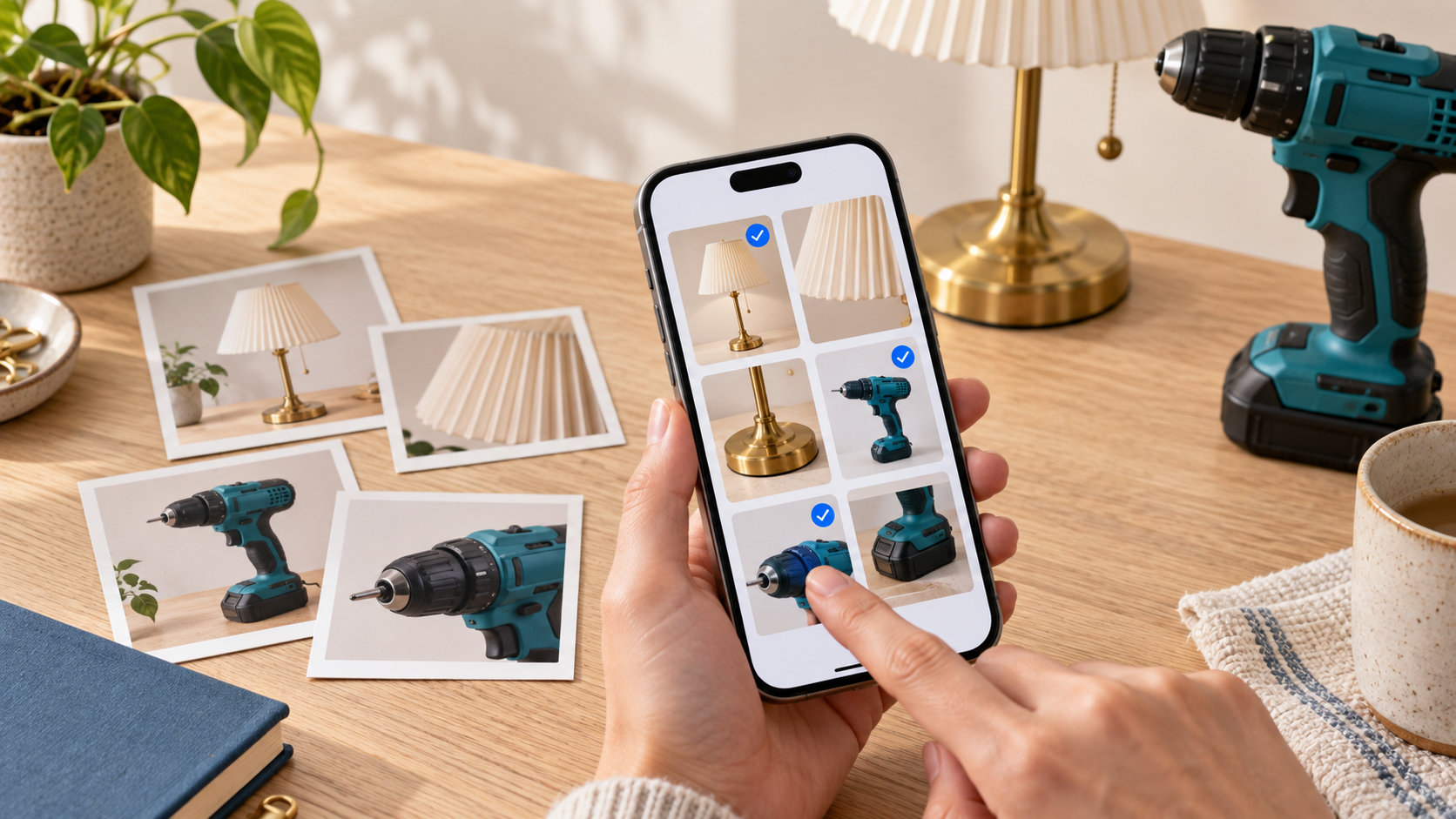
Add existing photos to an aListEngine import or a specific lot, then check their order and grouping.

Guides
Photograph each lot, add useful notes, and check the groups before syncing your work to aListEngine.

Guides
Find your aListEngine photos by organization, folder, and import, with a simple visual walkthrough.
Guides
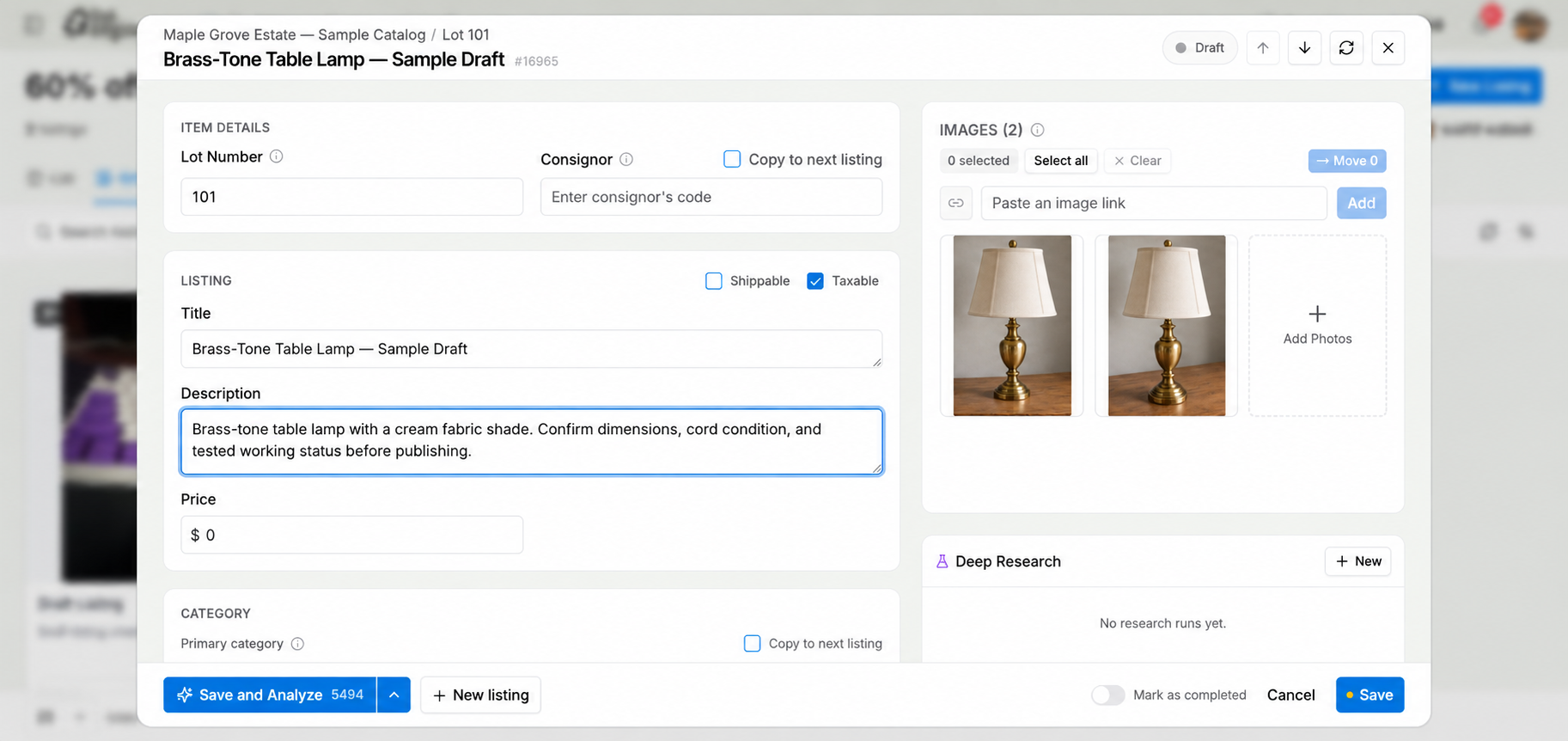
Use aListEngine to create an editable auction description from lot photos, review it beside the images, and prepare the lot for export.
Guides
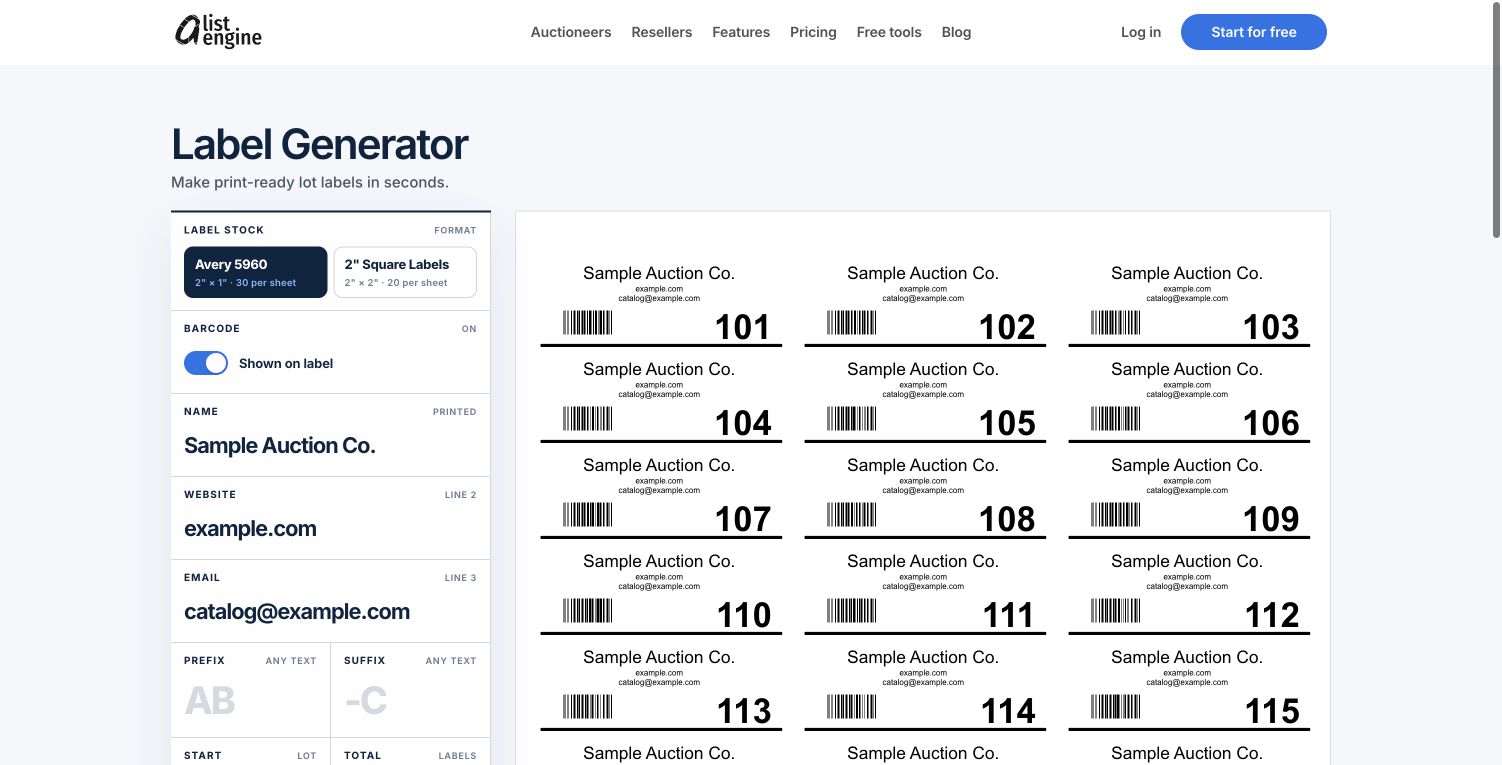
Create auction lot labels with numbers in order, add optional barcodes, and download a PDF for Avery 5960 or 2-inch square label sheets.
No guides articles match that search.
Try a broader topic or clear the search.
aListEngine helps you catalog faster, review every draft, and publish with confidence.
Start for free