
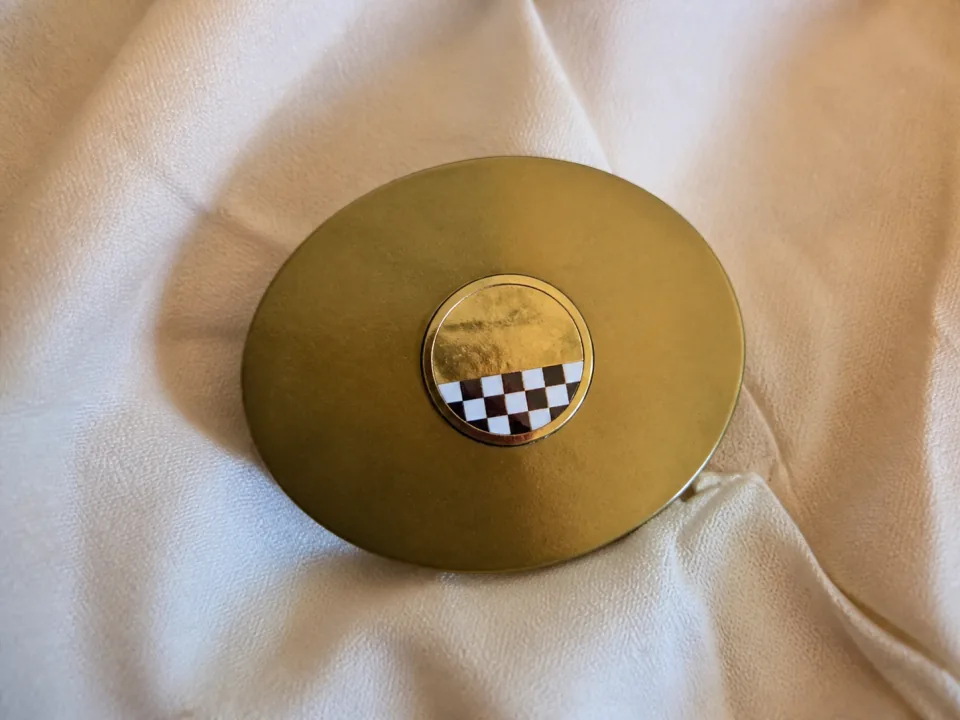

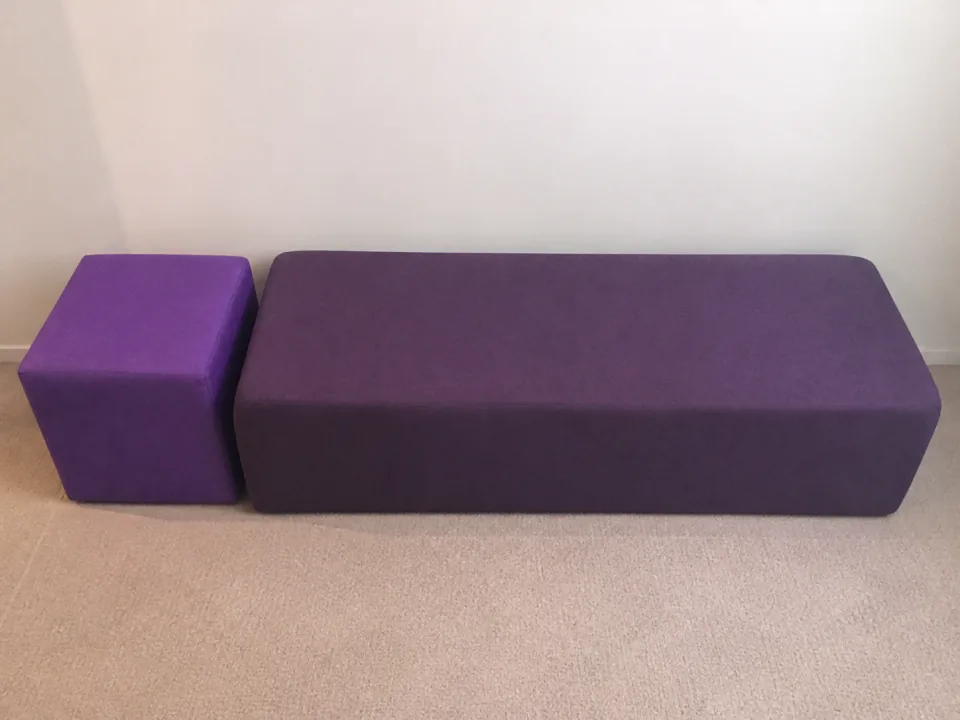
 Lot 1
Lot 11-7.jpg
Lot 1
Turn item photos into AI-drafted titles, descriptions, and pricing guidance. Review every draft. Start with 25 one-time credits, free.
We provide downloadable import formats for AuctionMethod, AuctionFlex 360, BidWrangler, Equip-Bid, EstateSales.NET, HiBid, K-Bid, LiveAuctioneers, and Shopify. Review the generated files before importing them into the destination platform.
Don’t see yours? Just let us know and we’ll add it right away. Seriously, we love doing this.
How it works
Capture on mobile, move through review in the workspace, and hand off platform-ready exports without changing tools or rebuilding the catalog.
Step 01
Teams photograph items or import a batch on mobile, and the web workspace opens with the folder already organized for intake.
Step 02
Scan barcodes or confirm photo groups, split each lot into its own AI-created draft, and review every listing in the web workspace.
Animated demonstration: two confirmed lot groups split into draft listings, pause for review, and replay automatically. Focus the controls to pause the animation.
Lot 101Asample_compact_001.jpg
sample_compact_002.jpg
sample_compact_003.jpg
 Lot 101B
sample_compact_004.jpg

sample_compact_005.jpg
sample_compact_006.jpg
Separate Lots
Review your lots before creating draft listings.
Draft listings to create2
Total images6
Everything looks good. No conflicts or warnings found.
Step 03
The last step shows completion on mobile while the web workspace handles approval, export settings, and the platform handoff package.
Sample Estate Finds
2 listings
Vintage compact collectionNot set—just now•••Decorated keepsake collectionNot set—1 min ago•••Platform
Note: Draft export now auto-fills eBay category, validated Condition ID, and category-specific item specifics when they can be proven safely. Exports may include one ready draft CSV plus an ebay-review.csv for listings that still need manual review. Titles are limited to 80 characters. Review the eBay bulk listing guide. Having trouble with your imports? Reach out to us, we're happy to help!
Free plan · $0
Give your first items a head start. Turn photos into editable listing drafts, then review the details before using them.
Upgrade when you need more credits or paid-plan features.
Paid plans start at $30/month. Choose a monthly credit allowance. Trial terms are shown for each plan.
Perfect for individual sellers and small auction houses
14-day trial with 50 AI credits. No credit card required for this trial.
Ideal for growing sellers and auction houses with regular listings
14-day trial with 50 AI credits. Credit card required for this trial.
For established sellers and auction houses with high volume
14-day trial with 50 AI credits. Credit card required for this trial.
Higher monthly credit allowances for teams cataloging full sales every month.
Ideal plan for customer holding weekly auctions with 400-500 lots every week
14-day trial with 50 AI credits. Credit card required for this trial.
For auction houses and resellers with very high volume every week
14-day trial with 50 AI credits. Credit card required for this trial.
Tell us your monthly lot volume and what your busy season looks like, and we'll build a plan that fits. Run short one month? Buy extra AI credits whenever you need them. No quote forms, no discovery call, no getting passed around.
Already have an account? Open the web app to manage your plan.
Talk to a human
You'll reach a real person who knows the product, not a bot.
Monthly plans shown. See all billing options and current terms in the app.
Our listings are now more consistent, polished, and professional than ever before. aListEngine takes the guesswork out of writing descriptions and helps us maintain a high standard across all our auctions.
Don L.
Online Auction Manager
Operator outcomes
Questions we get a lot.
Free costs $0. 25 one-time AI credits; no monthly refresh. AI analysis Text notes 50 listings 25 AI Credits - One-Time 1 member No trial deadline.
aListEngine is AI cataloging software that analyzes your item photos and automatically generates professional titles, descriptions, and pricing. It works with furniture, estate items, tools, collectibles, general merchandise, and other lot types. You review, edit, and export directly to the platform of your choice.
Upload photos of your auction lots. Our AI identifies the item and writes a title, description, condition notes, and a suggested price, plus AI Insights with extra context. Choose Quick, Standard, Enhanced, or Thorough analysis, then review and edit everything before export.
aListEngine covers the full workflow in one place, including bulk photo import, AI-generated titles and descriptions, gap detection, team collaboration, and platform-ready exports for auction marketplaces.
No. aListEngine is designed to fit into your existing cataloging process, so most auctioneers can get started with minimal setup and no technical background.
aListEngine creates downloadable import files and image packages for AuctionMethod, BidWrangler, Equip-Bid, EstateSales.NET, HiBid, AuctionFlex 360, K-Bid, LiveAuctioneers, and Shopify. The eBay Seller Hub draft CSV workflow is in beta. Contact us if you need a different export format.
Each standard AI analysis uses one credit. Basic: 200 AI credits per month. Pro: 600 AI credits per month. Business: 1,400 AI credits per month. Auction Standard: 2,200 AI credits per month. Auction Plus: 3,000 AI credits per month. Need more than your plan includes? Top up any time, or contact us about a custom plan.
Create an account and choose from the currently available plans. The signup flow shows included credits, workspace limits, and any trial terms.
Basic: 14-day trial with 50 AI credits. No credit card required for this trial. Pro: 14-day trial with 50 AI credits. Credit card required for this trial. Business: 14-day trial with 50 AI credits. Credit card required for this trial. Auction Standard: 14-day trial with 50 AI credits. Credit card required for this trial. Auction Plus: 14-day trial with 50 AI credits. Credit card required for this trial.
Yes. Team members work in one organization with a shared AI-credit pool. Shared folders can also have their own permissions, expiry, and credit budget, and guests do not need an account. Check the app for the current member allowance for your plan.
You can contact us through the support chat inside the app, available from the button at the bottom of the sidebar. We read every message and get back to you as soon as we can. For urgent issues, call us at (651) 505-6771.
Included with every plan.
Photograph items on-site, group each lot as you go, and sync the batch into the same workspace your team reviews.
All download options Start with item photos and leave with organized drafts your team can review and export.
See current plans and included features during signup.